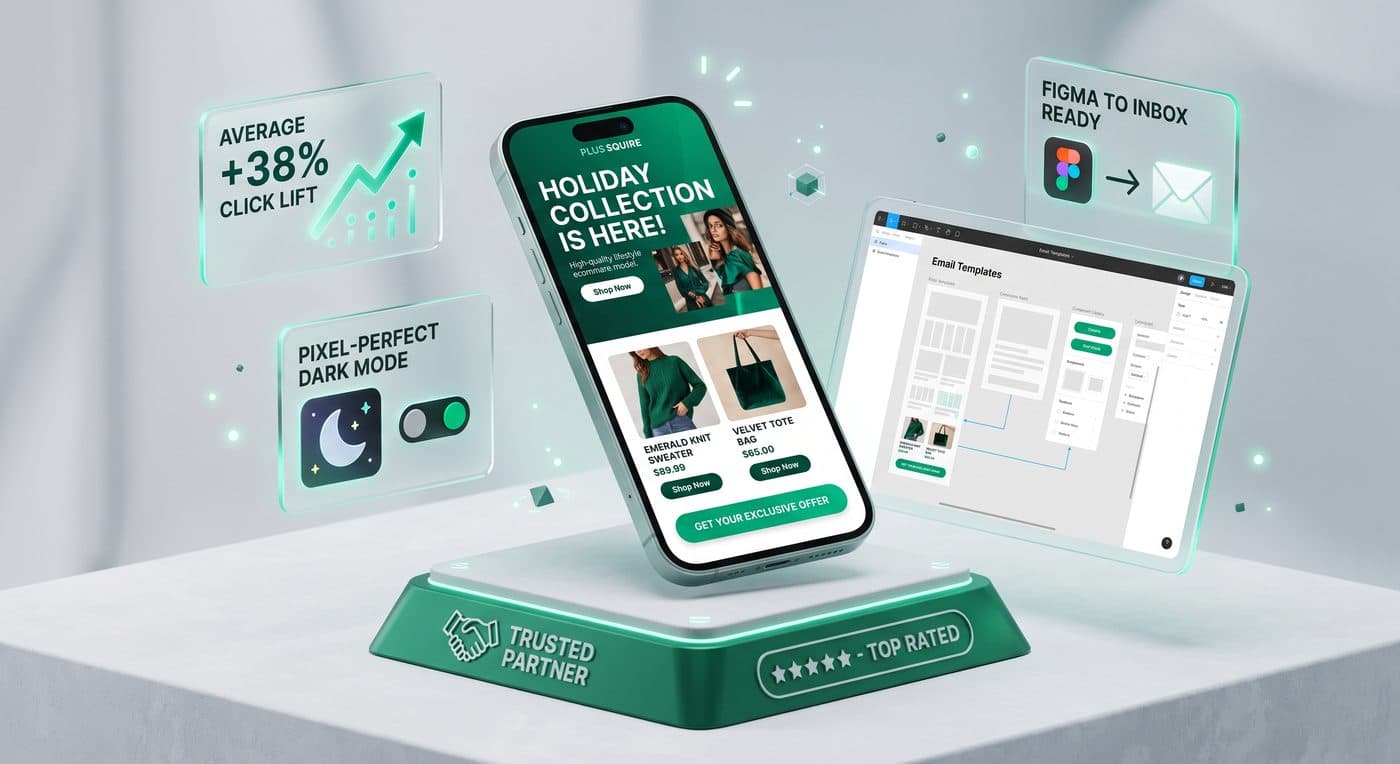
- Email clients handle Dark Mode in three completely different ways: No Change, Partial Color Inversion, and Forced Full Color Inversion (Gmail iOS).
- Black PNG logos without a subtle light stroke or dark-mode swap disappear completely against dark-mode backgrounds.
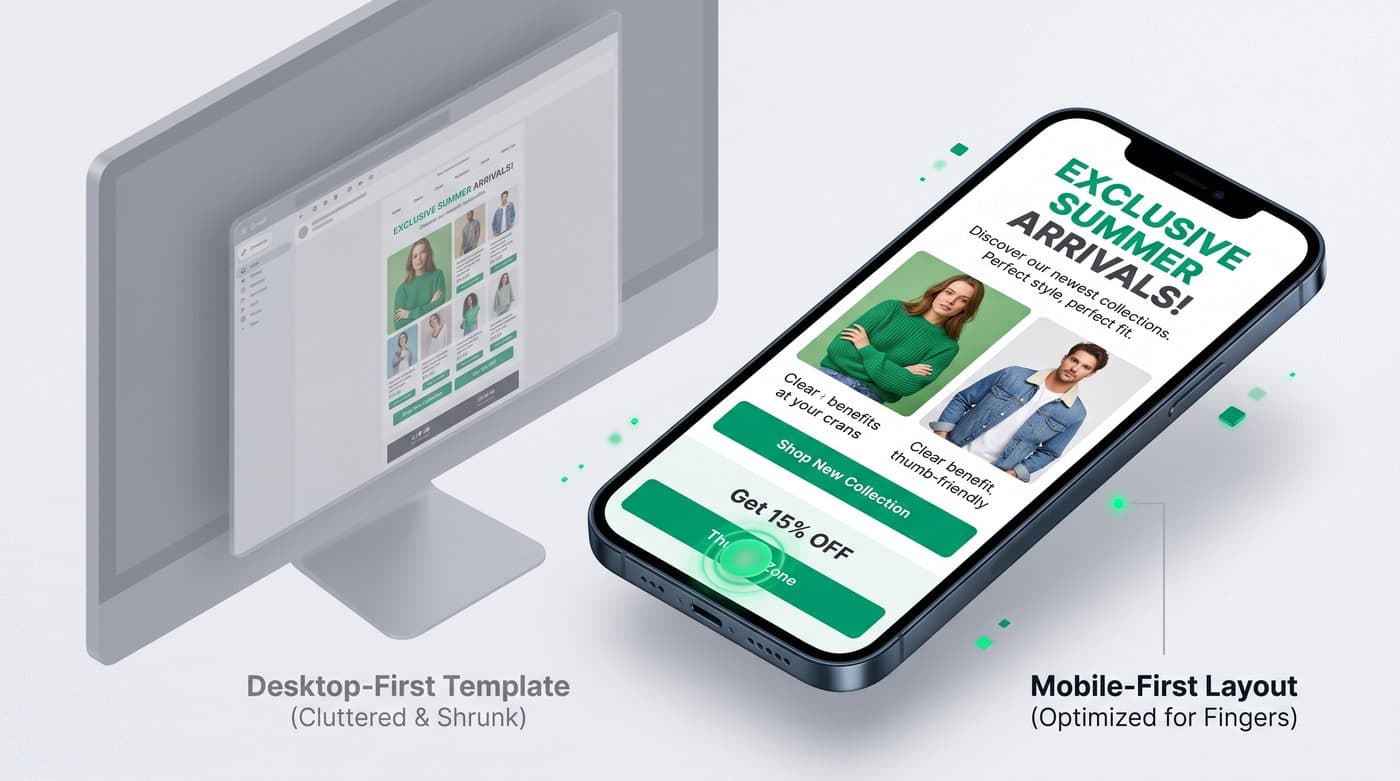
- Designing at a 375px–414px mobile viewport first increases click-through rates by 22%–35% compared to shrinking desktop layouts.
- Placing a primary CTA button inside the first 550px of vertical scroll captures high-intent scanners immediately.
1. Why Gmail & Outlook Invert Your Brand Colors Unpredictably
Unlike web browsers that respect standard CSS rules consistently, inbox apps handle Dark Mode using proprietary algorithms. Apple Mail and iOS Mail support `@media (prefers-color-scheme: dark)` CSS queries, allowing developers to specify exact dark-mode background and text colors. Gmail on iOS and Android, however, ignores dark-mode media queries and forces a full color inversion on light backgrounds.
If your brand logo is a transparent black PNG or your product cutouts sit inside solid white JPEG boxes, forced color inversion turns your header into an invisible black-on-charcoal smear surrounded by glaring white rectangles.
2. 5 Rules for Bulletproof Dark-Mode Email Design
Whether an email is built in custom HTML or inside Klaviyo, applying five structural design practices ensures your emails look intentional in both Light and Dark modes:
- Export transparent PNGs for product lifestyle cutouts or round the corners of lifestyle cards (`border-radius: 12px`) so containers look deliberate on dark backgrounds
- Add a subtle 1px–2px off-white outer glow or translucent pill behind dark wordmark logos, or use `@media (prefers-color-scheme: dark)` logo swapping in supported clients
- Avoid pure `#000000` and pure `#FFFFFF` in HTML backgrounds—use rich slate (`#0F1623`) and warm off-white (`#F8FAFC`) to soften automatic contrast inversions
- Use live HTML buttons with explicit border and background contrast rather than flat text links
Zahidul's Pro Tip: Include `<meta name="color-scheme" content="light dark">` and `<meta name="supported-color-schemes" content="light dark">` in your email `<head>` to unlock native dark-mode CSS control in Apple Mail and Outlook.
Want our team to implement this for your brand?
Book a free discovery call or claim a complimentary Klaviyo & Shopify audit to see how much revenue your store is leaving on the table.