- Shopify’s default "Checkout Started" event only fires after a customer clicks Checkout—missing 60%+ of shoppers who click "Add to Cart" and leave.
- Adding a custom `Added to Cart` JavaScript listener in Klaviyo triggers recovery emails for any cookied subscriber who adds an item to their cart drawer.
- Smart exclusion filters ensure a customer never receives Browse, Cart, and Checkout emails at the same time.
- Dynamic cart-reconstruction links let shoppers restore their exact cart on mobile with a single tap.
1. The "Checkout Started" Blind Spot on Shopify
In Klaviyo’s standard Shopify integration, the native "Abandoned Cart" flow template is actually triggered by the `Checkout Started` metric—not when someone clicks the "Add to Cart" button on a product page or inside a slide-out cart drawer. That means if an existing subscriber visits your store, adds two items to their cart drawer, and closes the tab before clicking "Proceed to Checkout," your default flow never fires.
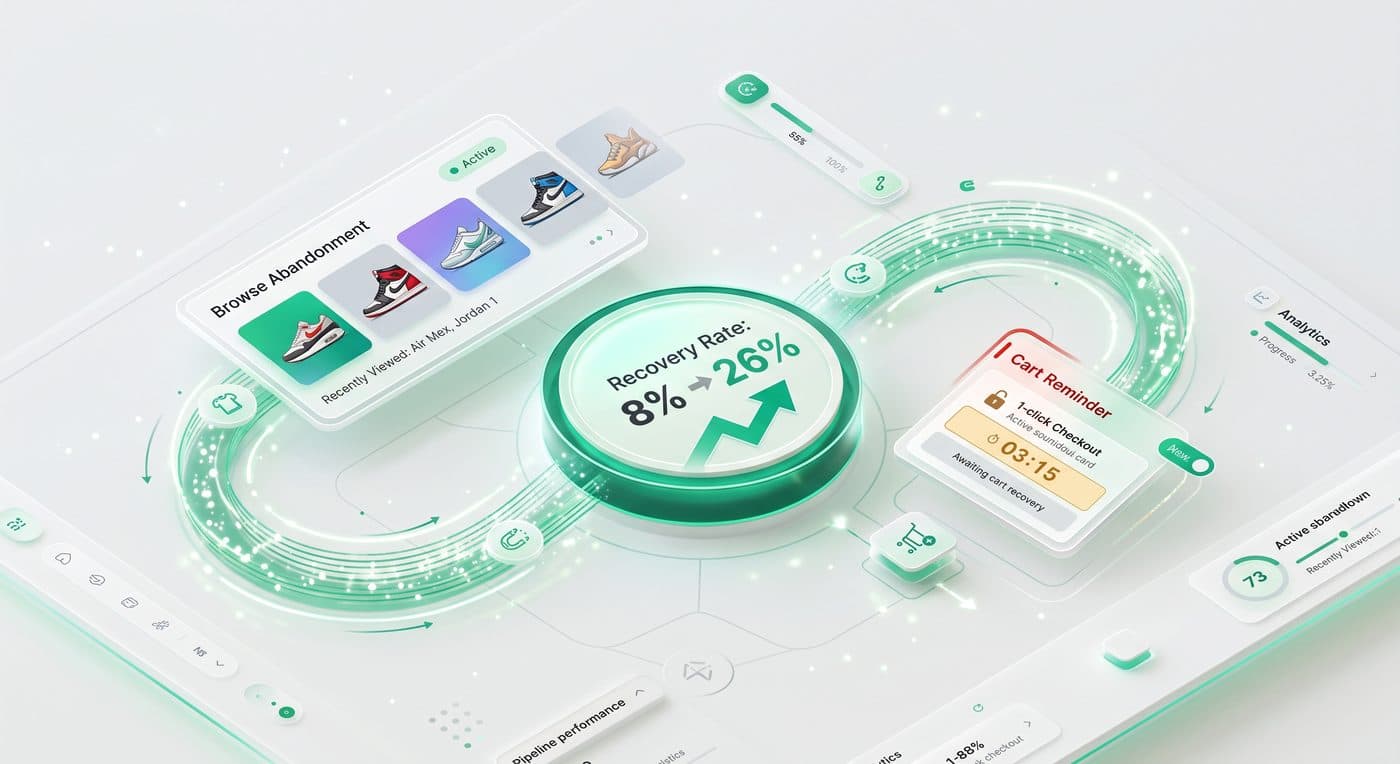
By installing a lightweight `Added to Cart` event snippet tied to your theme’s AJAX cart drawer and product forms, we typically see 2.5x to 3.5x more profiles enter the cart recovery funnel every single month.
2. Structuring the 3-Tier Abandonment Ladder Without Overlap
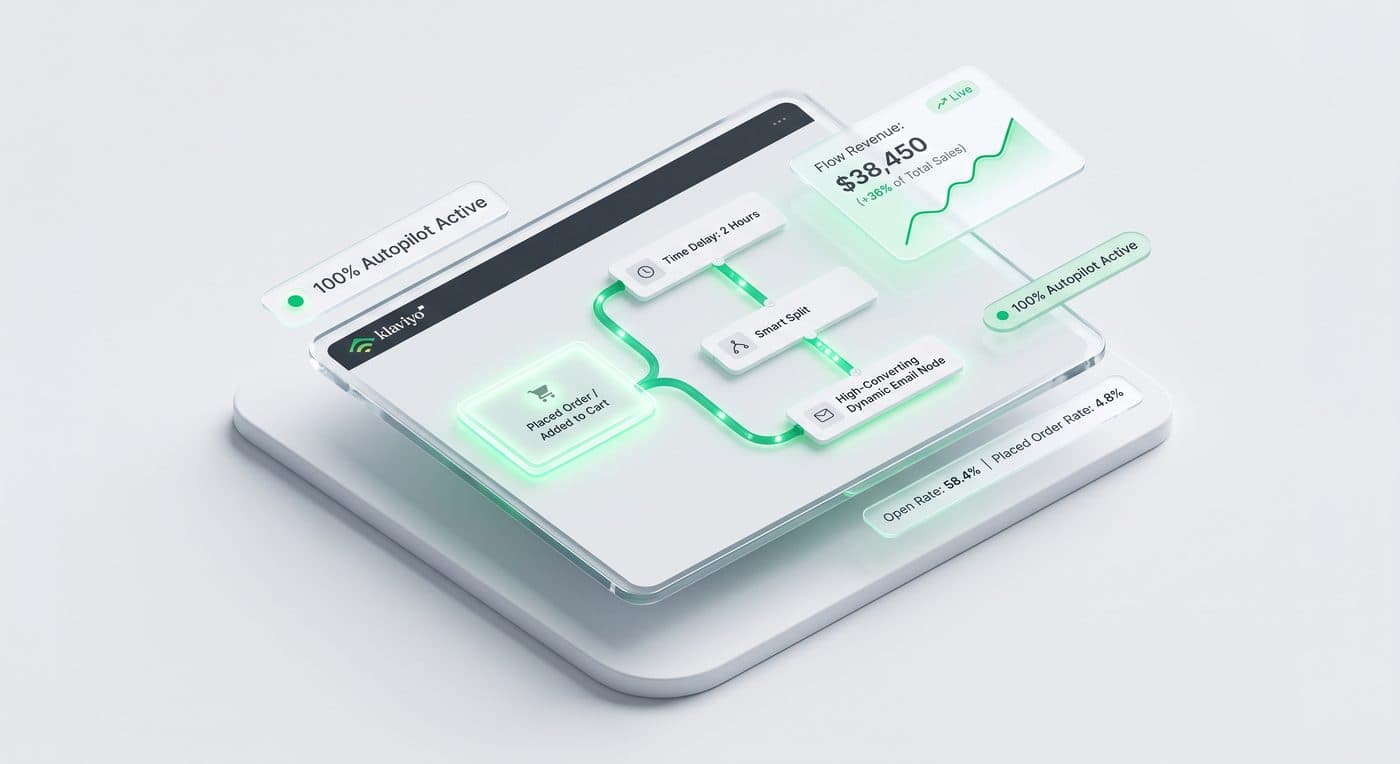
When you run Site Abandonment, Browse Abandonment, Added-to-Cart, and Checkout Started simultaneously, strict flow filters are essential so subscribers never feel stalked or spammed. Each higher-intent trigger must automatically cancel any lower-intent flow.
- Tier 1 — Browse Abandonment (Viewed Product): Delays 2 hours; cancels if Added to Cart, Checkout Started, or Placed Order
- Tier 2 — Added to Cart: Delays 1–2 hours; cancels if Checkout Started or Placed Order
- Tier 3 — Abandoned Checkout (Checkout Started): Delays 45–60 minutes; cancels only when Placed Order occurs
Zahidul's Pro Tip: Turn OFF Klaviyo’s global 16-hour Smart Sending on Email 1 of your Abandoned Checkout flow. If a subscriber opened your morning newsletter, clicked through to your store, and abandoned a $180 checkout at noon, Smart Sending would block your cart recovery email!
3. Anatomy of a High-Converting Cart Recovery Email
The highest-converting cart emails don’t look like heavy promotional flyers. They place the dynamic product image, title, variant/size, price, and a prominent "Return to Your Cart" button right above the fold on mobile, followed by 3 trust icons (free returns, fast shipping, money-back guarantee), real customer reviews, and a direct reply-to-support prompt.
Want our team to implement this for your brand?
Book a free discovery call or claim a complimentary Klaviyo & Shopify audit to see how much revenue your store is leaving on the table.